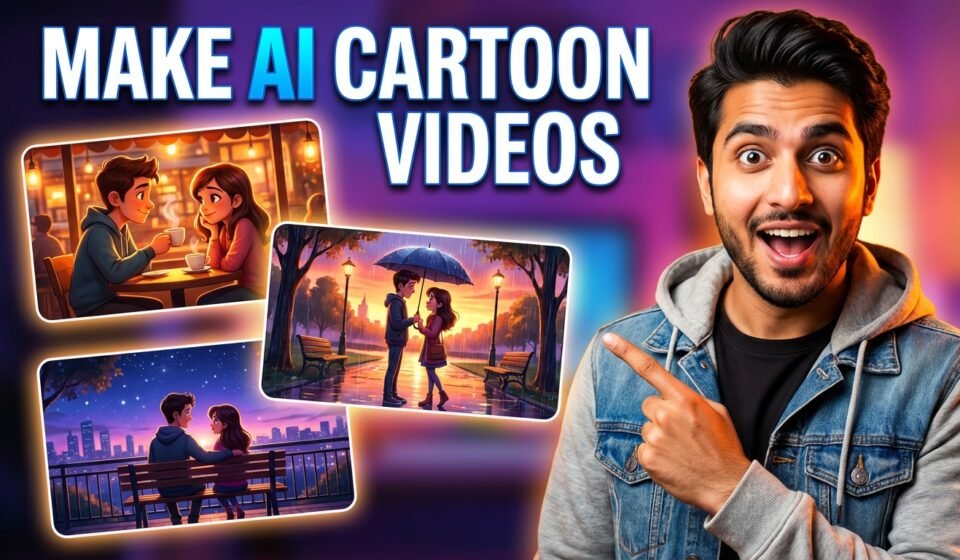

If you’ve been scrolling social media lately, you’ve probably seen those cute, cinematic love story videos that look like they’re straight out of a Disney Pixar movie.
The interesting part?
A lot of them are actually made using AI.
The good news is — you don’t need any animation or editing skills to create similar videos. With the right prompts, you can turn a simple idea into a complete cinematic video in just a few steps.
Let’s break it down in the simplest way possible.
Step 1: Start with a Simple Story
Before anything else, you need a basic story.
Don’t overthink it. Keep it simple:
- Two characters (a boy and a girl)
- One location (like a coffee shop)
- A short emotional journey
A typical flow works really well:
- An awkward first meeting
- A cute bonding moment
- A sweet realization at the end
The most important part?
👉 The beginning.
If your first few seconds aren’t interesting, people will scroll away instantly.
Step 2: Generate the Script with AI
Now you give AI a clear prompt, and it will create the story for you.
Here’s a simple version you can use:
I want to create a cute Disney-Pixar style cinematic love story about a cheerful young girl and a friendly young boy who meet in a bright colorful coffee shop and slowly realize it is actually a date. Create an engaging story divided into exactly 3 scenes. For each scene, describe the visuals including the café environment, lighting, colors, background activity, character appearance, emotions, and cinematic camera angles suitable for image or video generation. Make the atmosphere warm, cozy, and magical with vibrant Pixar-style visuals. In each scene include one short natural Hindi dialogue spoken by the characters. The story should progress from their first awkward meeting, to a cute bonding moment while talking or laughing, and finally a sweet realization that it has become a date with a heartwarming ending.
Keep the dialogue short and natural — like how people actually talk in real life. That makes the video feel more real and relatable.
Step 3: Turn Each Scene into Images
Once your script is ready, the next step is to generate images for each scene.
This is where many people make a mistake —
👉 the characters change in every image.
To avoid that, always tell the AI:
- same face
- same outfit
- same style
Keep your prompt simple and focused:
Har scene ke liye detailed image generation prompts likho 3D Disney pixar style me, jisme character description, environment/background, lighting, camera angle, emotions aur cinematic details, character ke dialogues included ho, aur visuals colorful, expressive aur realistic storytelling ke liye suitable ho.
Clean, consistent visuals make your video look professional.
Step 4: Convert Images into Video
Now comes the final step — turning your images into a video.
Here’s what you add:
- Small movements (blinking, smiling, slight gestures)
- Camera motion (slow zoom, soft pan)
- Dialogue with lip sync
Use the attached image. I need JSON prompt to convert this image into a video clip using Veo 3 where I want you to describe the main character’s actions, dialogues, and everything that is required to make this scene an ultimate video clip with perfect dialogues and lip sync.
This is where your static images come to life.
Tips That Make a Big Difference
- Always use vertical format (9:16)
- Keep each scene around 5–6 seconds
- Use soft background music (romantic or emotional)
- Don’t over-edit — simple looks better
And most importantly:
👉 Focus on emotion, not just visuals
Final Thoughts
AI has made content creation incredibly simple.
You don’t need expensive tools or advanced skills anymore. With just a few prompts, you can create high-quality, cinematic videos that people actually enjoy watching.
Start with one video.
Then improve with each one.
In a short time, you’ll be creating content that looks professional — and has real viral potential